Get 3 months free

Reduce interview no-shows by 55% with VoiceAI.

RESTAURANTS DESERVE BETTER

Workstream is built for the chaos of running multi-unit restaurants.

restaurant_brand

That’s why 46 of the top 50 restaurant brands rely on Workstream.

crumbl
taco bell
culvers
bojangles-1
arbys_logo
haidilao
ihop
jimmy johns
molly-tea
firehouse subs-1
baskin robbins
burger king
five guys
smoothie king
long john silvers
curry-up-now
mooyah
jamba-1
zaxbys-1
sonic

Other tools fall apart with hourly schedules, changing labor laws, and high turnover.

Vector (31)

Six tools. Zero sync.

Hiring, onboarding, scheduling, and payroll don’t talk — so you have to re-enter info, juggle exports, and stitch spreadsheets together by hand.

Vector (32)

Multi-roles. Multi-EIN.

Tracking ACA compliance, tip pooling, and meal breaks across  multiple locations is manual, messy, and full of legal landmines.

Vector (33)

High turnover. No time.

Spending hours posting jobs, screening resumes, and fielding candidate questions — only to get ghosted on interview day.

AI Platform

Workstream is your restaurant’s all-in-one advantage.

AI-powered hiring, HR, and payroll for hourly, multi-location teams on the move.

Group 2117249713 (1)

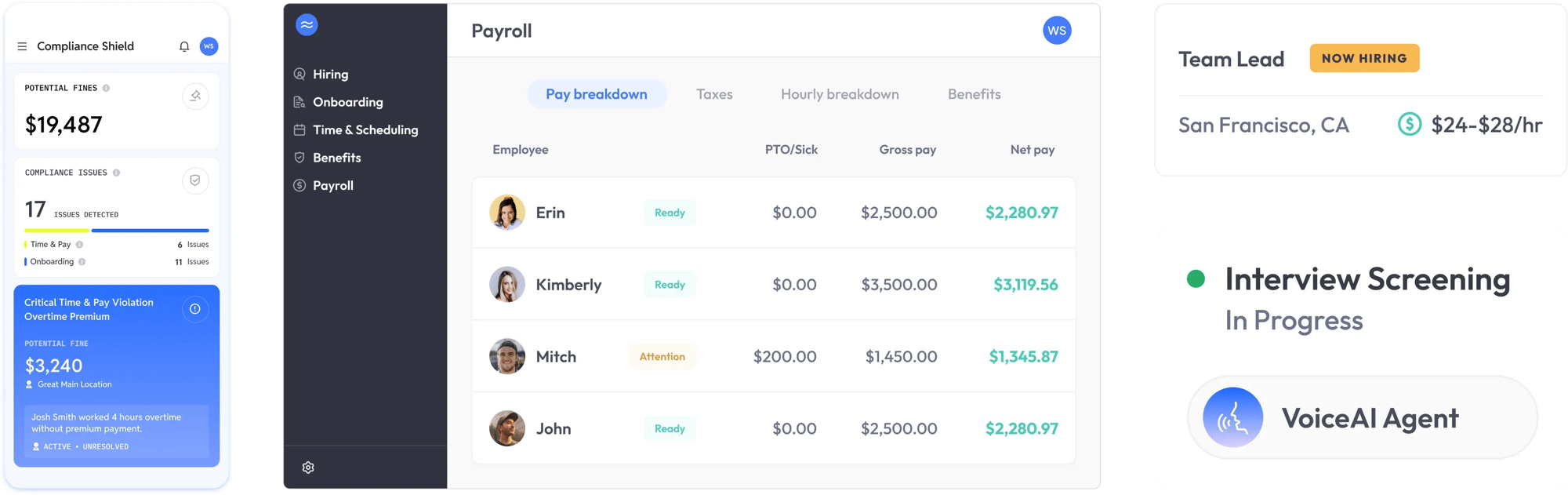
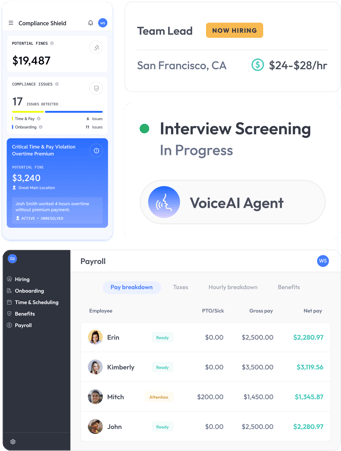
Audit payroll in minutes, not hours.

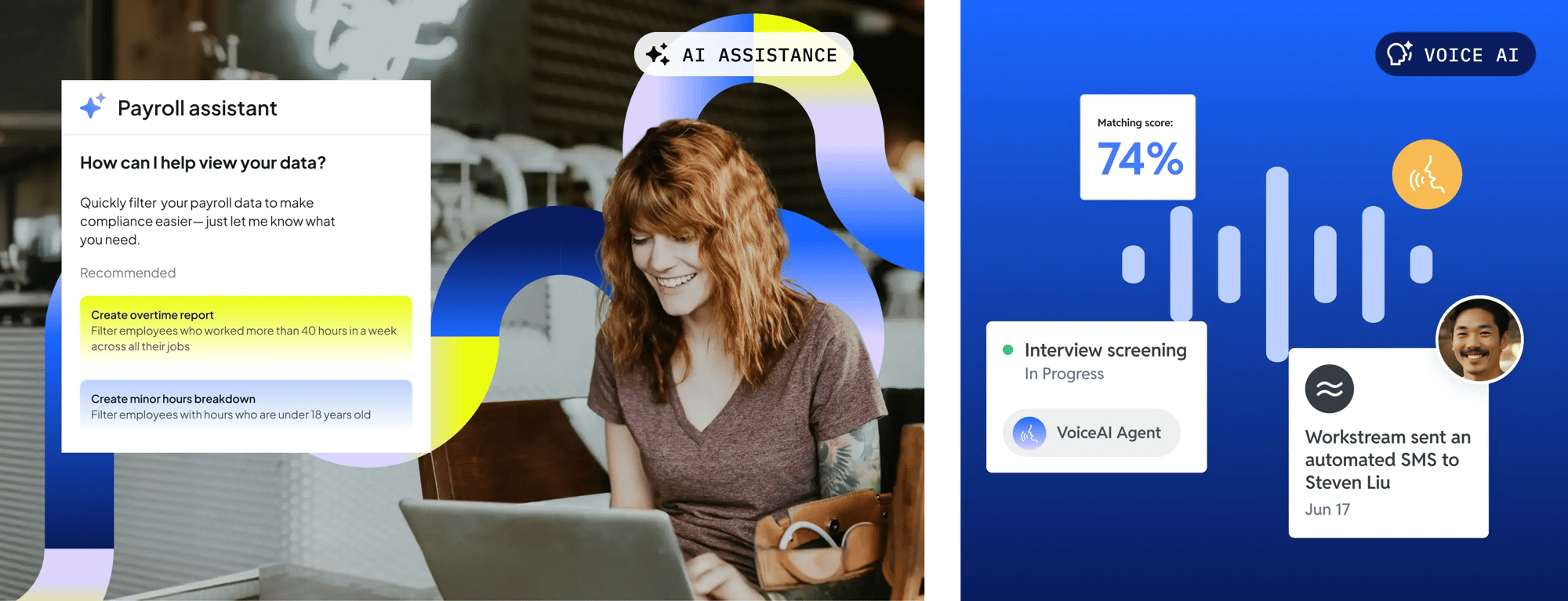
Review, report, and reconcile payroll faster with custom reports and an AI assistant that spots errors before you do.

Frame 2117249880

Protect yourself from costly compliance errors.

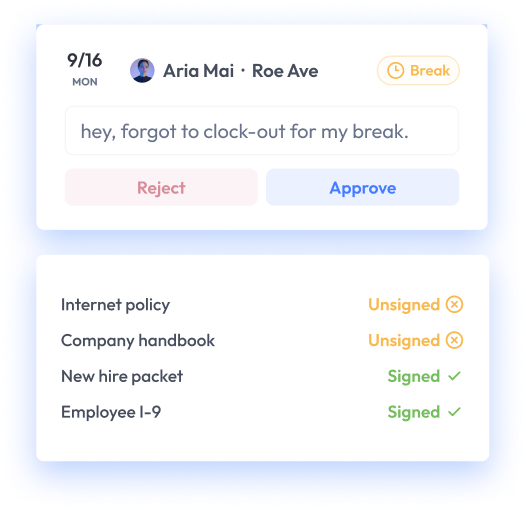
Keep up with changing labor laws with built-in alerts to flag time clock violations, missed meal breaks, and more. Collect digital forms, keep audit-ready records, and manage I-9 and e-verify requirements.

Group 2117249715

Hire faster with VoiceAI.

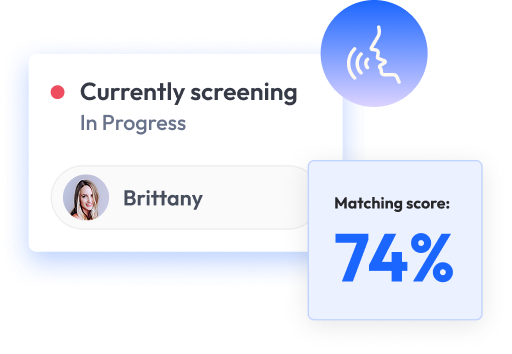
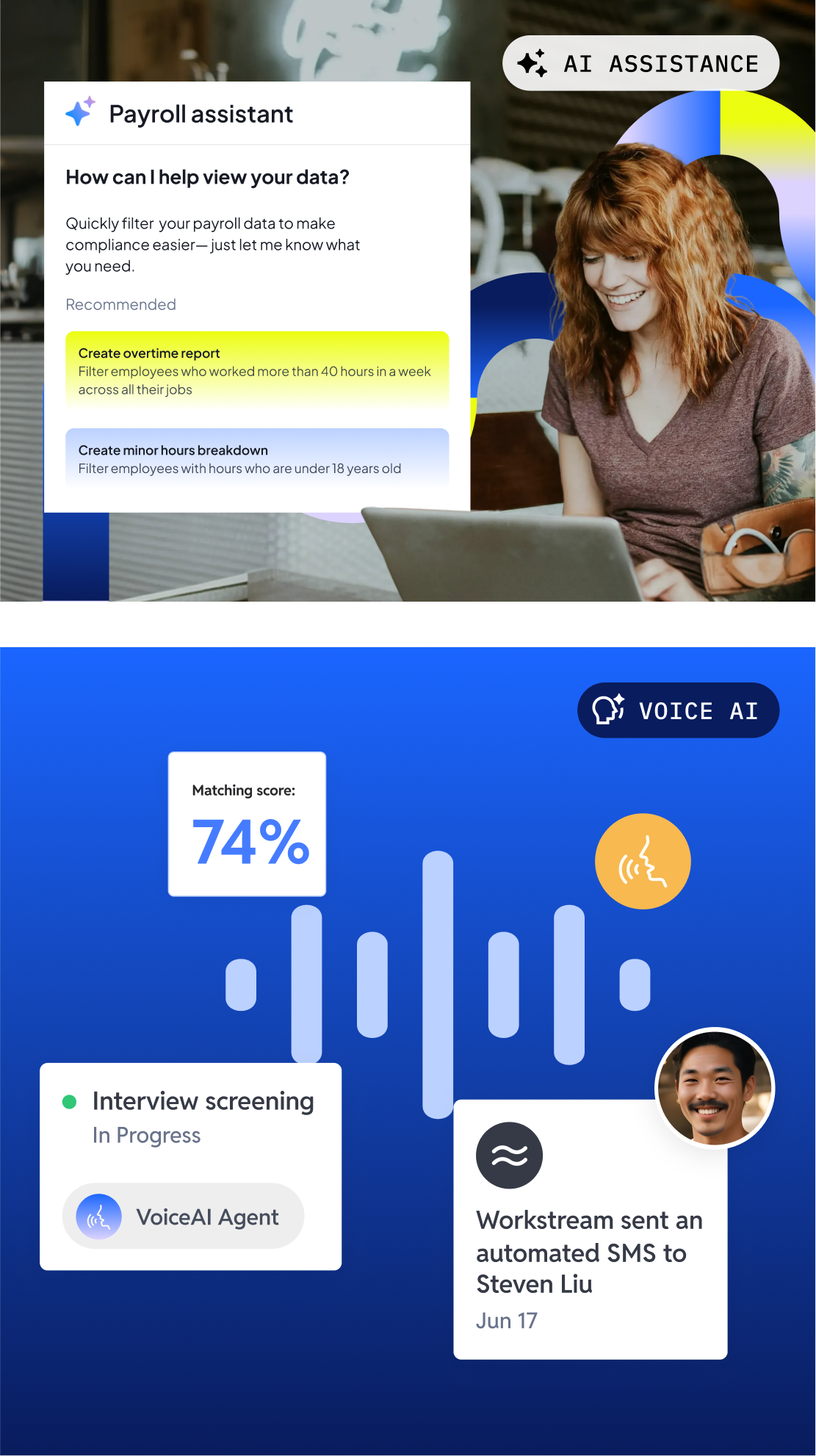
Post to hundreds of job boards, screen applicants, and schedule interviews automatically with VoiceAI.

ai technology

AI that takes the busywork out of hiring and payroll

From VoiceAI candidate screening to payroll compliance filtering, Workstream’s AI-powered platform automates workflows to simplify team management.

technology busywork
Paul ott
24 location franchisee - Top 5 Pizza QSR chain

“It’s awesome to have hiring, onboarding, and payroll all with one provider because trust is the biggest thing. We know that we can rely on Workstream. If we have any issues, they’re there.”

We give time back to restaurant managers
3X

faster time to hire with Voice AI

calvers
5X

faster employee onboarding times

firehouse subs
33hrs

saved with AI scheduling

bojangles

There’s so much more to Workstream.

Learn more about our all-in-one platform for team operations.

GROW WITH US

Workstream is trusted by thousands of customers.

“My ROI was immediate.”

Time spent hiring for all six Crumbl locations has gone from 15 hours a week down to five. 

Group 2117249701-2

How Workstream drove HR efficiency at 260+ Papa Johns locations

Group 2117249701-3

How Culver's automated hiring, onboarding, and payroll

Group 2117249701-4

How Jimmy John's scaled employee onboarding across locations

Award-Winning
Support

stevie-award

2024
Gold Stevie Winner for Exceptional Customer Service

  • Star 1
  • Star 1
  • Star 1
  • Star 1
  • Star 5
g2-crowd-vector-logo-2022 1
4.7 STARS
ApplicantTrackingSystems(ATS)_Leader_Leader
CandidateRelationshipManagement_EasiestToDoBusinessWith_EaseOfDoingBusinessWith
CandidateRelationshipManagement_HighestUserAdoption_Adoption
CandidateRelationshipManagement_HighPerformer_HighPerformer
CandidateRelationshipManagement_UsersMostLikelyToRecommend_Nps
CandidateRelationshipManagement_HighPerformer_HighPerformer

What’s new at Workstream

Interview No-Shows Are Predictable. That Means They're Preventabl...

Common Payroll Mistakes After Minimum Wage Changes (and How to Av...

Announcing Our Integration with PAR: Simplifying Workforce Manage...

Workstream Integrates with PDQ

Now integrating with Crunchtime to effectively manage your HR ope...

Dos and don’ts of implementing technology to manage your hourly w...

Help your team find their flow.

Get the modern payroll platform for growing restaurants.

Personal Information and Sensitive Personal Information

Before we discuss the right to limit and the right to opt-out, we must first define personal information and how it relates to sensitive personal information.

Personal information is any data that identifies, relates to, or could reasonably be linked to you or your household. A few examples of personal information include:

  • Name or nickname
  • Email address
  • Purchase history
  • Browsing history
  • Location data
  • Employment data
  • IP address
  • Profiles businesses create about you, including pseudonymous profiles (“user1234”)
  • Sensitive personal information

Sensitive personal information or “SPI” is a subset of personal information, defined as:

  • Identifying information (e.g. social security number, driver’s license)
  • Financial data (e.g. debit or credit card numbers)
  • Precise geolocation (within a radius of 1,850 feet)
  • Demographic or protected-class information (e.g. race/ethnicity, religion, union membership)
  • Biometric and genetic data (e.g. fingerprints, palm scans, facial recognition)
  • Communications and content (e.g. mail, email, text messages)
  • Health and sexual orientation (e.g. vaccine records, health history)

Right to Opt-Out

Californians have the right to opt-out of the sale and sharing of their personal information. That means you have the right to opt-out of the sale of your personal information to third parties (e.g. data brokers, advertisers). You also have the right to opt-out of the sharing of your personal information to prevent the targeting of ads across different businesses, websites, apps, or services.

CCPA-covered businesses must provide a link to allow you to exercise this right. It is usually found at the bottom of a webpage and will say “do not sell or share my personal information” or “your privacy choices.” Sometimes businesses offer privacy choices through a pop-up window or form

To opt-out of the sale and sharing of your personal information, click on the link or use the toggle provided by the business and follow the directions. Doing this on every website you visit can feel burdensome, but to ease the burden you can automatically select your privacy preferences for every website by using an opt-out preference signal, or OOPS for short.

An OOPS is a user-friendly and straightforward way for consumers to automatically exercise their right to opt-out of the sale and sharing of their personal information with the businesses they interact with online. An OOPS, such as the Global Privacy Control. It can either be a setting on your internet browser or a browser extension. With an OOPS, consumers do not have to submit individual requests to opt-out of sale or sharing with each business.

Right to Limit

Californians also have the right to direct businesses to limit the use and disclosure of their sensitive personal information.

Businesses covered under the CCPA must provide a link on their website that allows you to request the limiting of your SPI, if they plan on using it in certain ways. That link will also typically be at the bottom of a webpage and will say: “limit the use of my sensitive personal information” or “your privacy choices.” Once you send this request, the business must stop using your SPI for anything other than to:

  • Provide requested goods or services
  • Ensure security and integrity
  • Prevent fraud
  • Maintain system functionality
  • Comply with legal obligations

Bringing it Together

In summary, the CCPA gives you the right to opt-out of the sale and sharing of your personal information and gives you additional rights to further limit the use and disclosure of your sensitive personal information.

When you exercise these rights together, you exert greater control in protecting your personal data which is important for your identity, safety, and financial health.

If you are on a business’s website and you can’t find the links to exercise your rights, remember to check their privacy policy. The privacy policy should tell you how you can exercise your rights under the law.

If you find your rights being violated, you can submit a complaint to CalPrivacy.

Next in the LOCKED series, we will explore the right to correct and right to know. Follow us on social media to get live updates or check back in one week for the next post.

Essential

Required to enable basic website functionality. You may not disable essential cookies.

Targeted Advertising

Used to deliver advertising that is more relevant to you and your interests. May also be used to limit the number of times you see an advertisement and measure the effectiveness of advertising campaigns. Advertising networks usually place them with the website operator’s permission.

Personalization

Allow the website to remember choices you make (such as your username, language, or the region you are in) and provide enhanced, more personal features. For example, a website may provide you with local weather reports or traffic news by storing data about your general location.

Analytics

Help the website operator understand how its website performs, how visitors interact with the site, and whether there may be technical issues.

Right to Limit Use of Sensitive Personal Information

You also have the right to limit how we use sensitive personal information (such as precise geolocation, financial data, etc.).

Your preference has been saved. We will not sell or share your personal information.